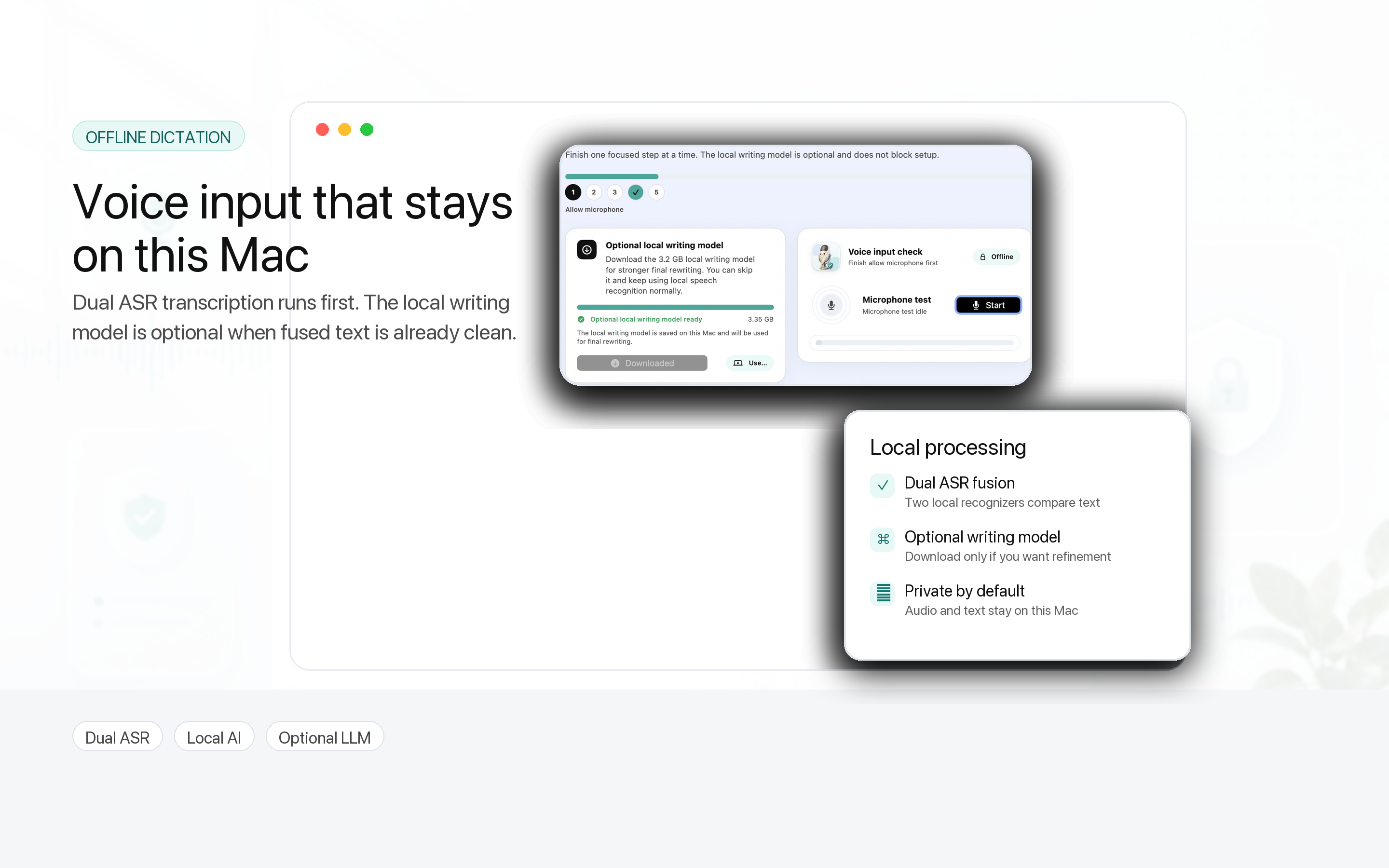
Offline dictation
Speak naturally and turn recordings into usable text with on-device speech detection and recognition.
 Vvicat Write
macOS
Vvicat Write
macOS
Private AI Voice Writing for Mac
Vvicat Write turns your voice into polished text, translations, answers, and reusable writing memory on your Mac, without giving up privacy.
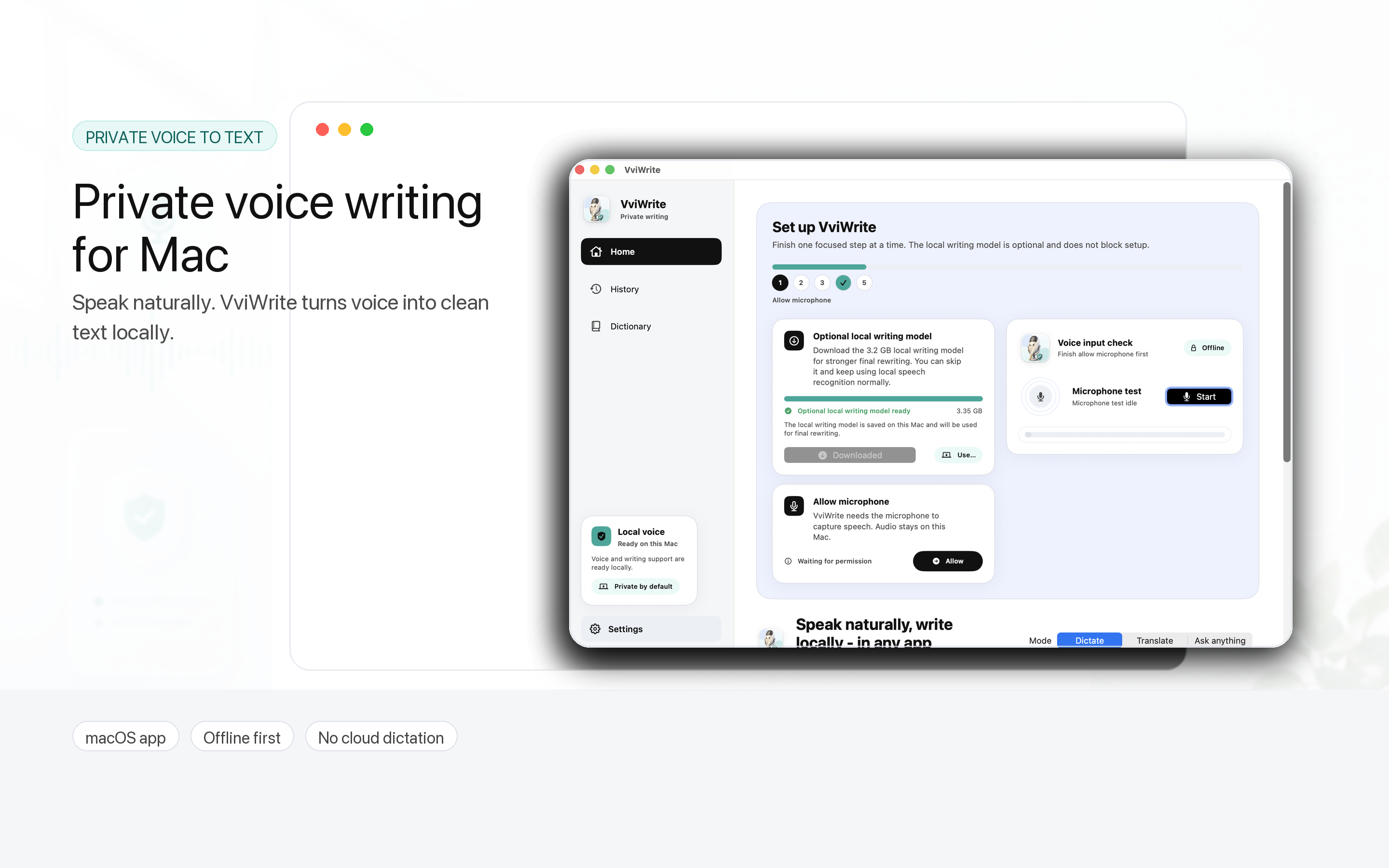
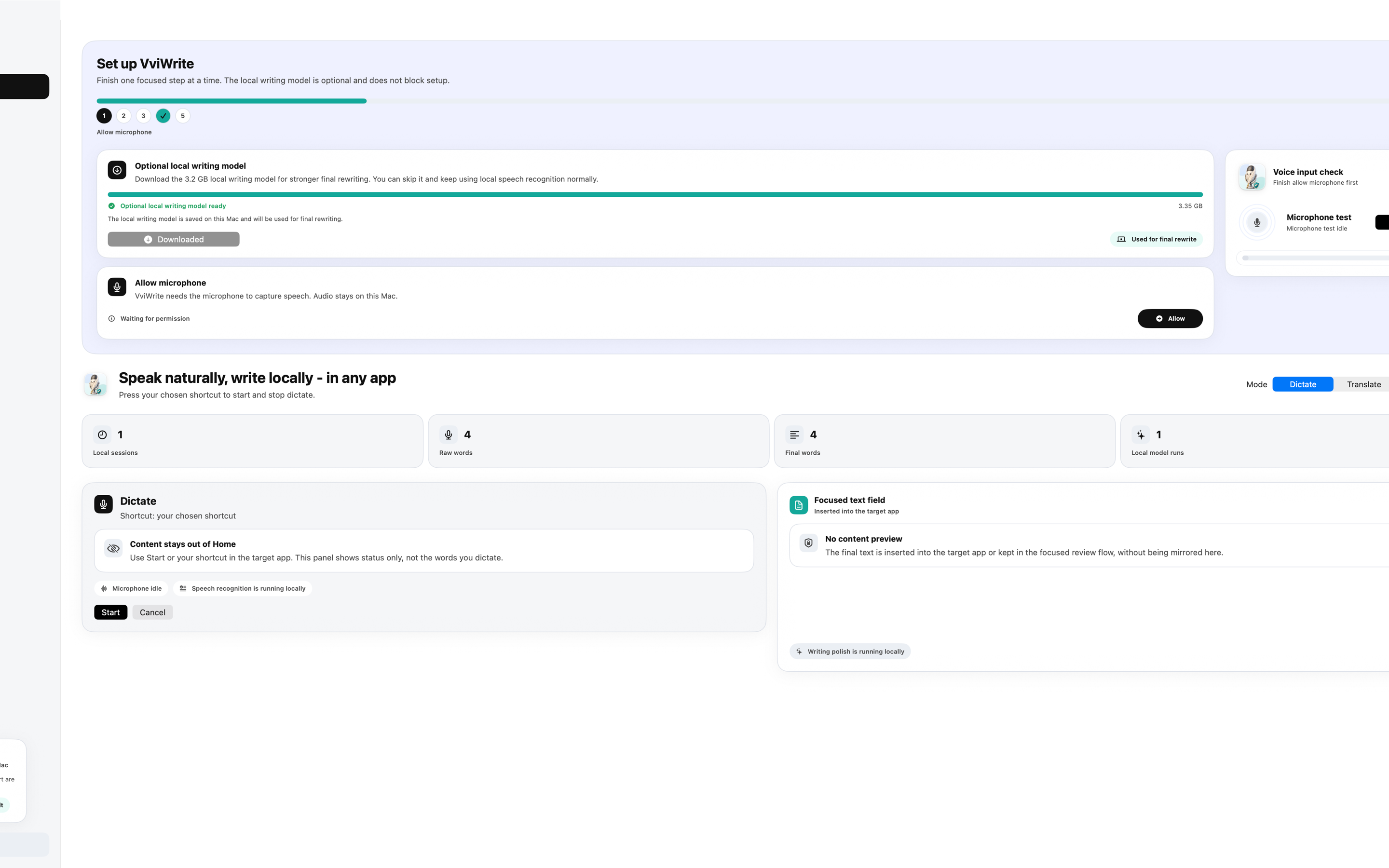
A Focused Writing Space
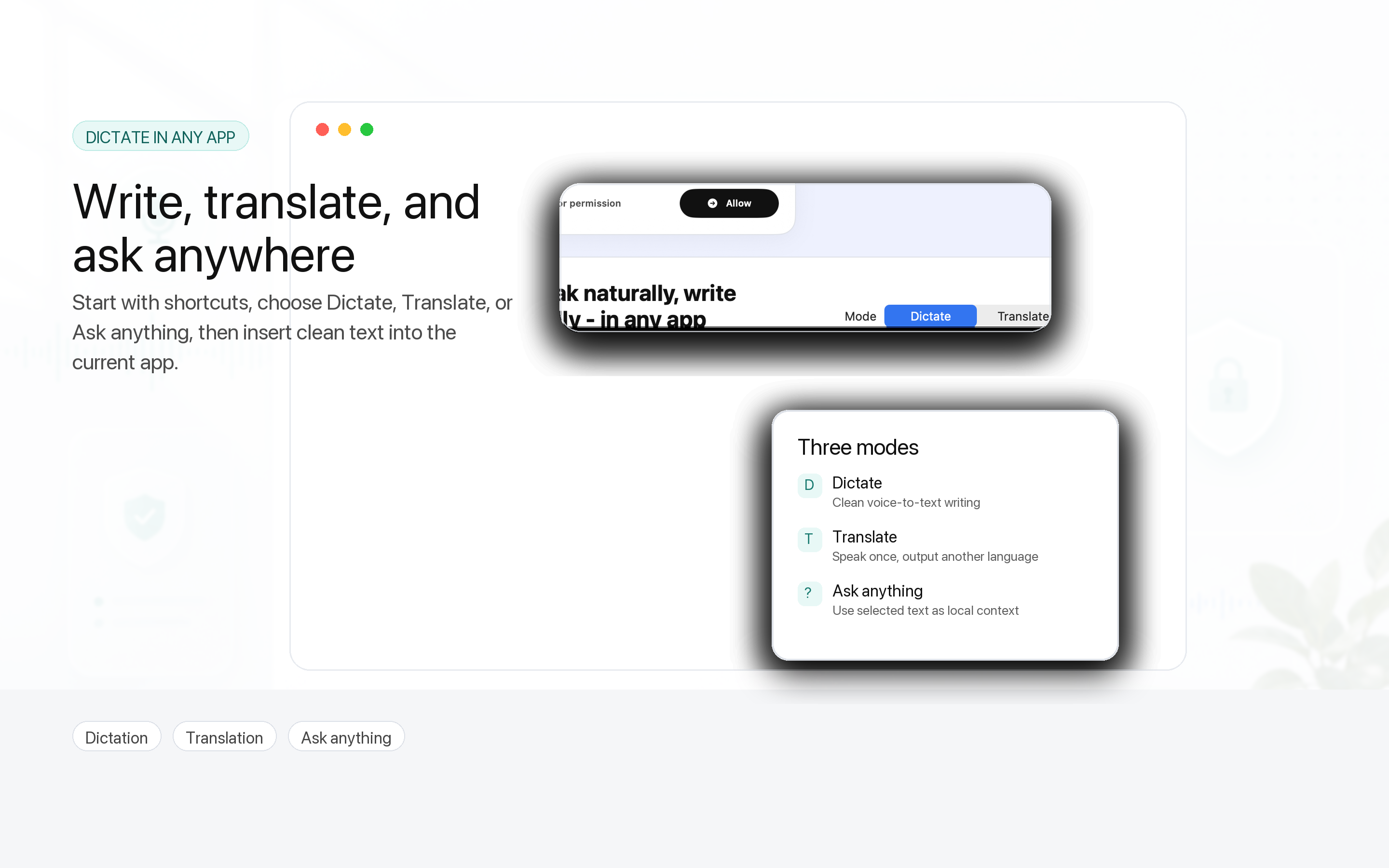
Capture a thought, clean it up, translate it, ask questions about selected text, or insert it directly into the app you are already using. Vvicat Write keeps the workflow close to the keyboard and on your Mac.
Feature Overview
Speak naturally and turn recordings into usable text with on-device speech detection and recognition.
Insert finalized text into the current Mac app with keyboard-first controls designed for repeated use.
Use your voice with selected text for questions, summaries, and drafting help without leaving context.
Turn rough speech into cleaner writing, or translate ideas while preserving intent and tone.
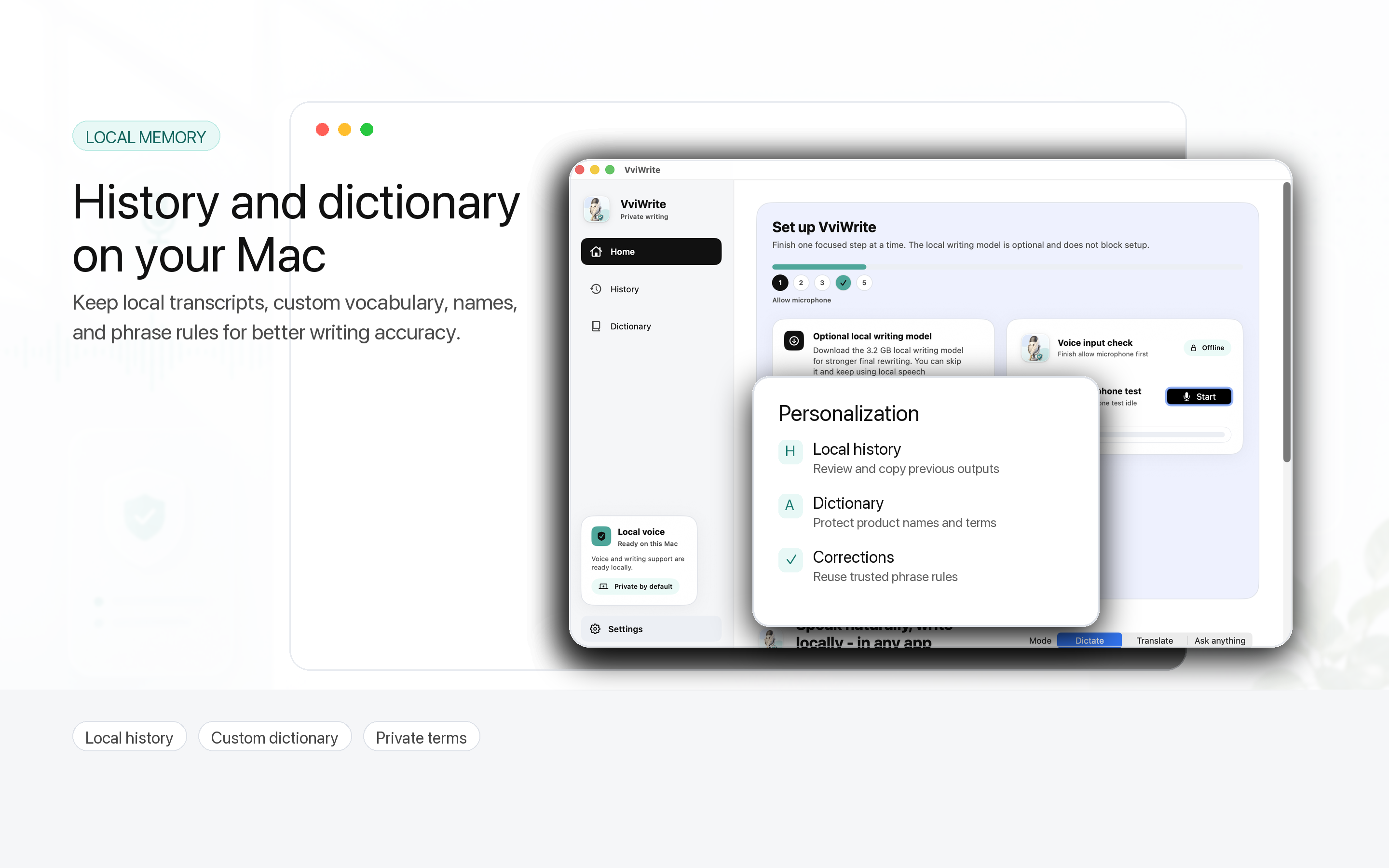
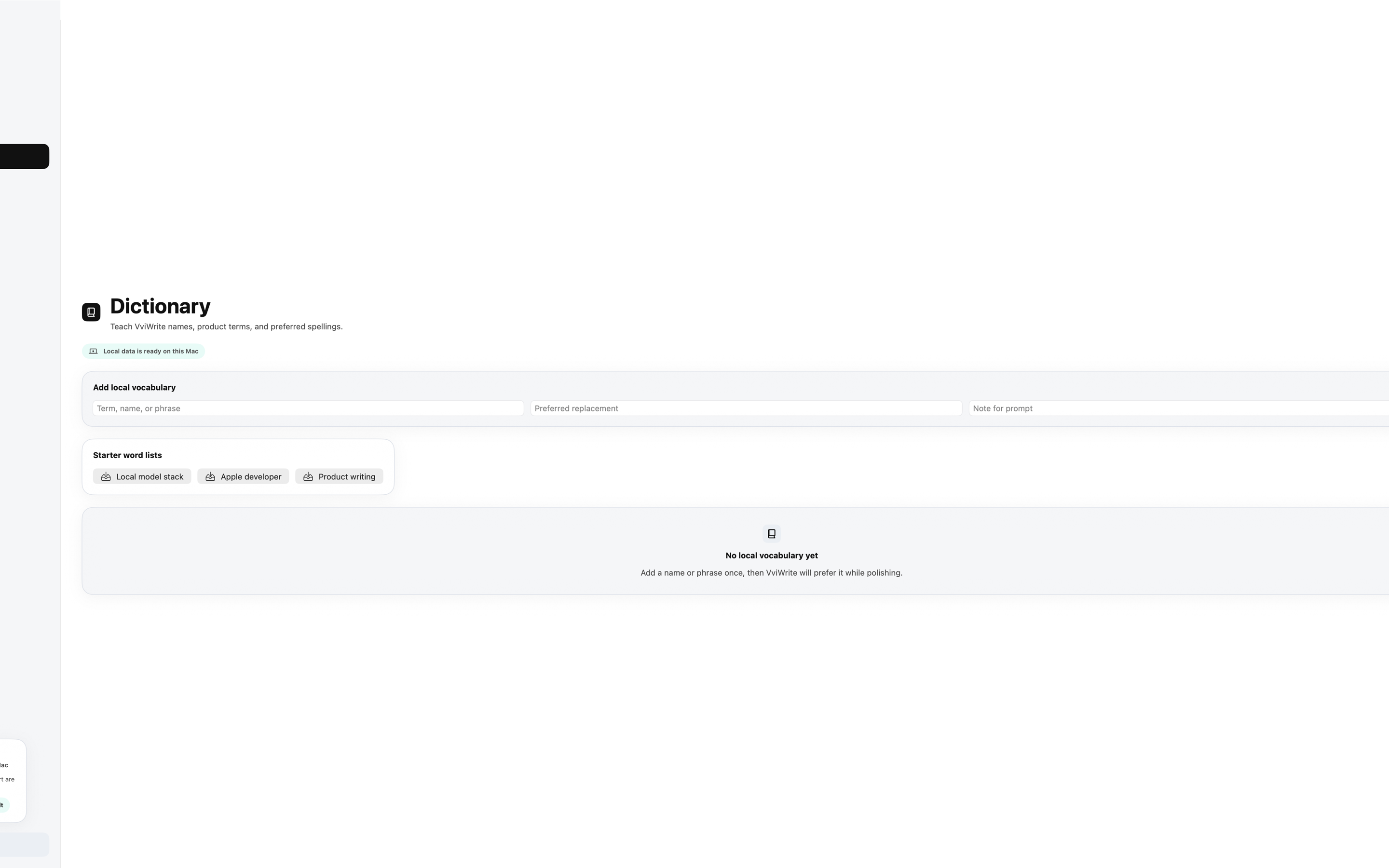
Keep names, terms, and recurring writing preferences close to the local writing engine.
Capability Layer
Vvicat Write combines local voice segmentation, speech recognition, Qwen ASR, and llama.cpp-powered text refinement in a single Mac workflow. Not another chatbot window. Better writing where you already work.
Finds stable speech segments before recognition.
Transcribes speech on the device using bundled models.
Polishes, translates, and answers with local model support.
Moves final text back into your active writing surface.
Product Preview
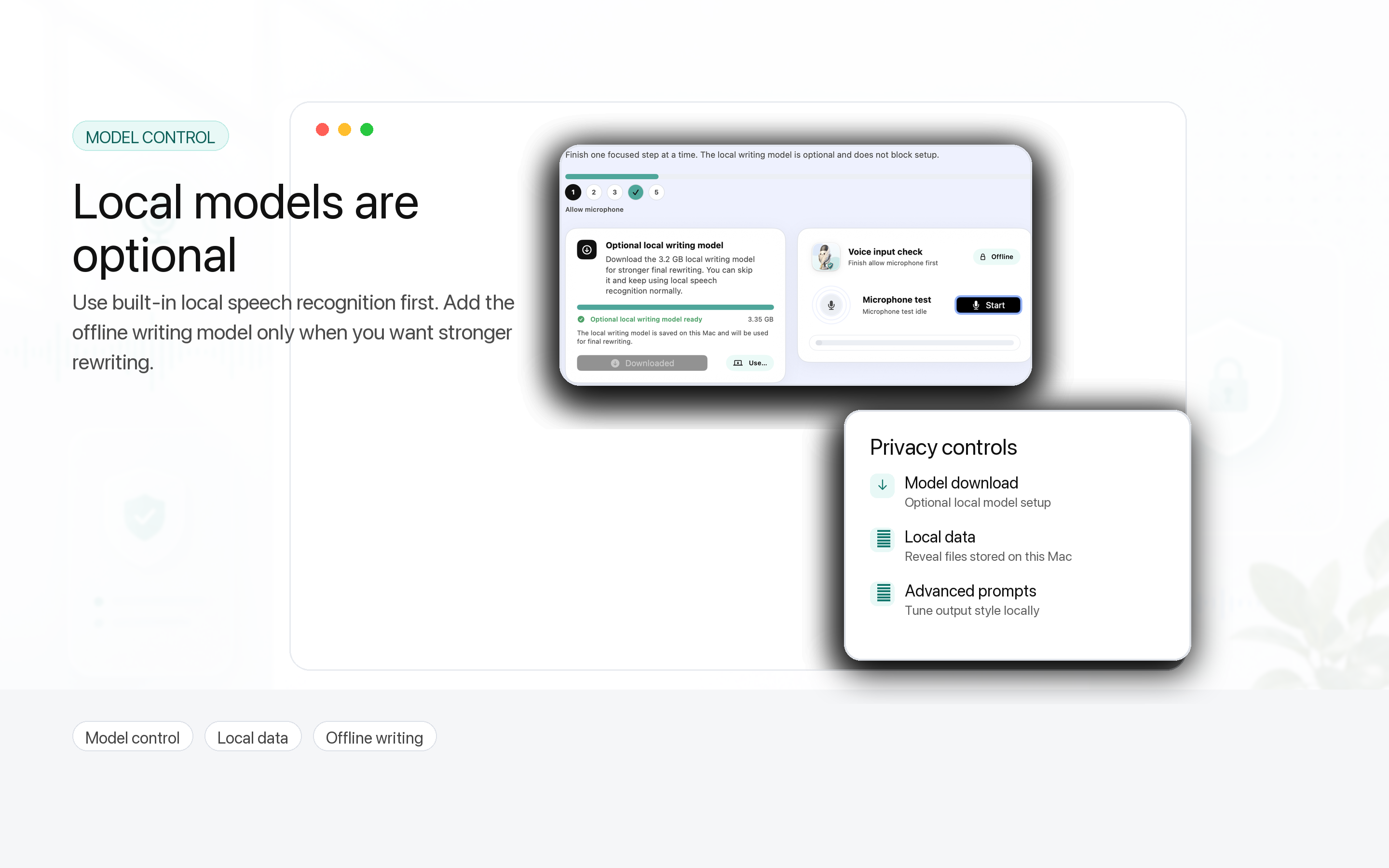
Real product screens for setup, recording, review, and model control.
Privacy Model
Vvicat Write requests microphone access for dictation, Accessibility access for text insertion, and Input Monitoring for shortcuts. The product is designed around local audio processing and local model execution.
Ready for Mac
Download links, support URLs, and the Privacy Policy can be connected to your App Store Connect metadata when the listing is ready.